
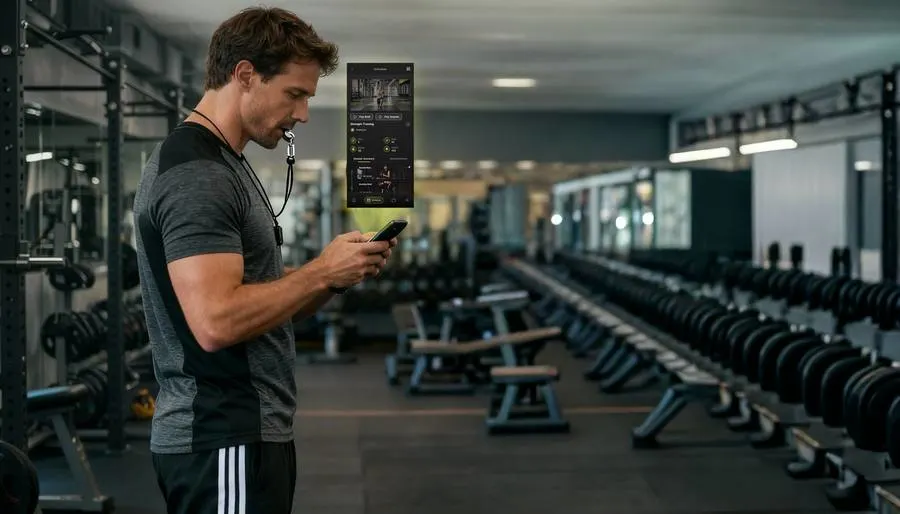
Step 1 — Plan
Plan
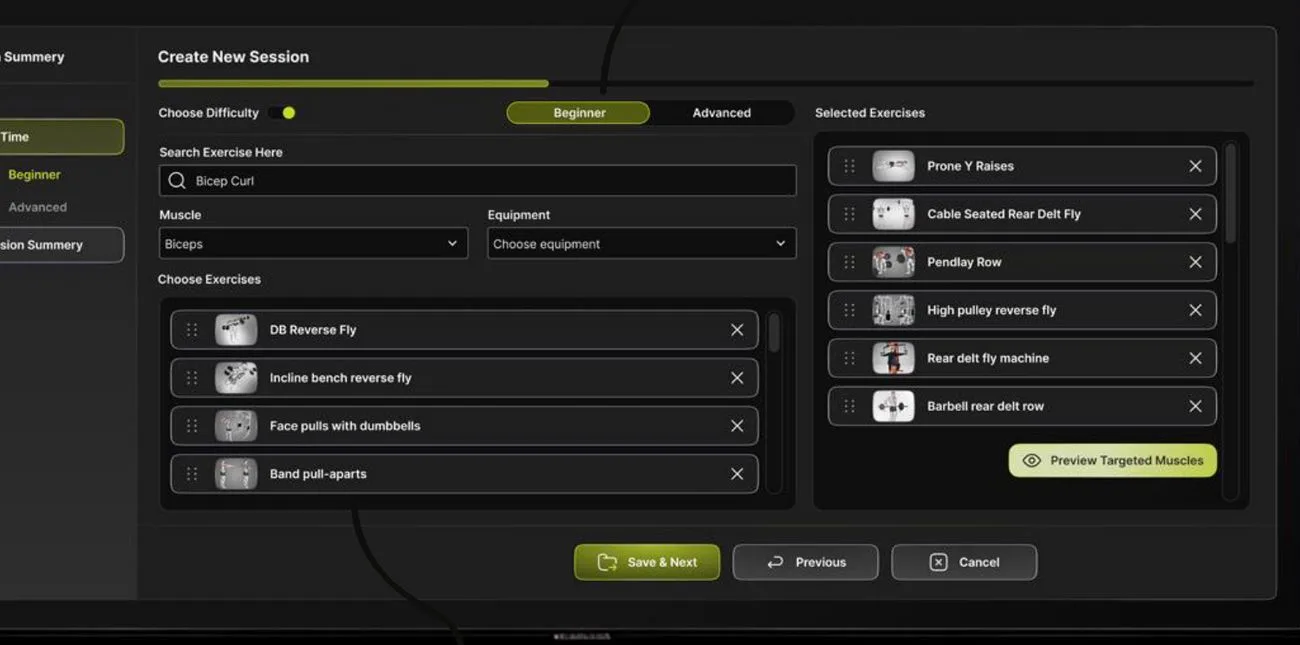
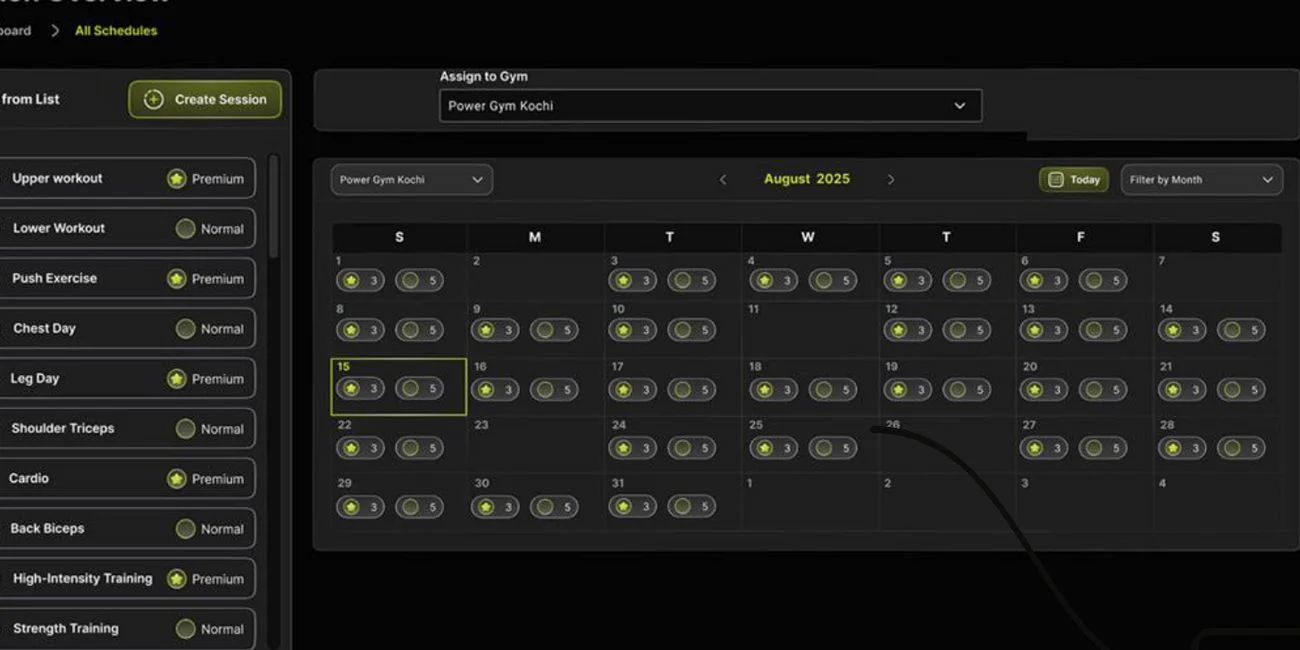
The trainer builds the workout in minutes — pick from 100+ pre-loaded exercise videos, set difficulty, schedule it daily, weekly or monthly.
GymStream turns any smart TV into a guided training system — exercise videos, timers, sets and reps, all controlled by your trainer from a phone. No new hardware. Live in 30 minutes.
Experience what it's like to control the GymStream display directly from your mobile device. Try the interactive demo and see how easy it is to manage workouts on the fly.
Industry research shows ~50% of new gym members cancel within their first six months, and roughly 1 in 3 members leave every year. The biggest reasons aren't price — they're lack of guidance, lost motivation, and not seeing results.
Whiteboards and verbal instructions are hard to follow. Members guess, plateau, and leave.
Trainers repeat the same explanations all day instead of actually coaching.
New members feel judged and unsure how to use equipment, so they stop showing up.
Hotel and apartment gyms have zero guidance. Equipment sits unused.


Sources: HFA Benchmarking Report 2025 · Journal of Sports Science & Medicine
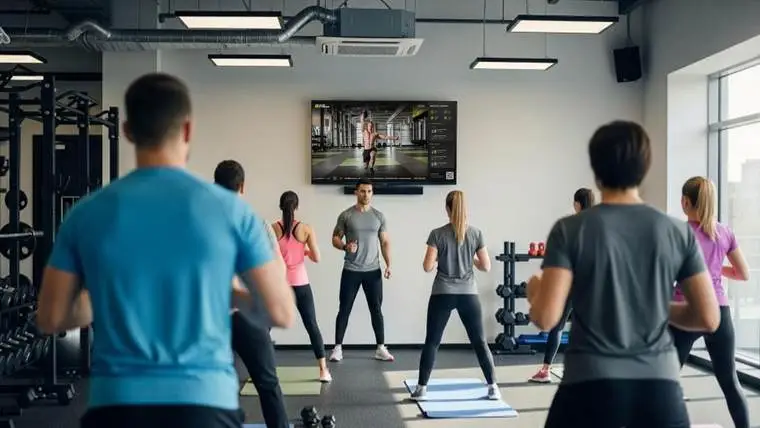
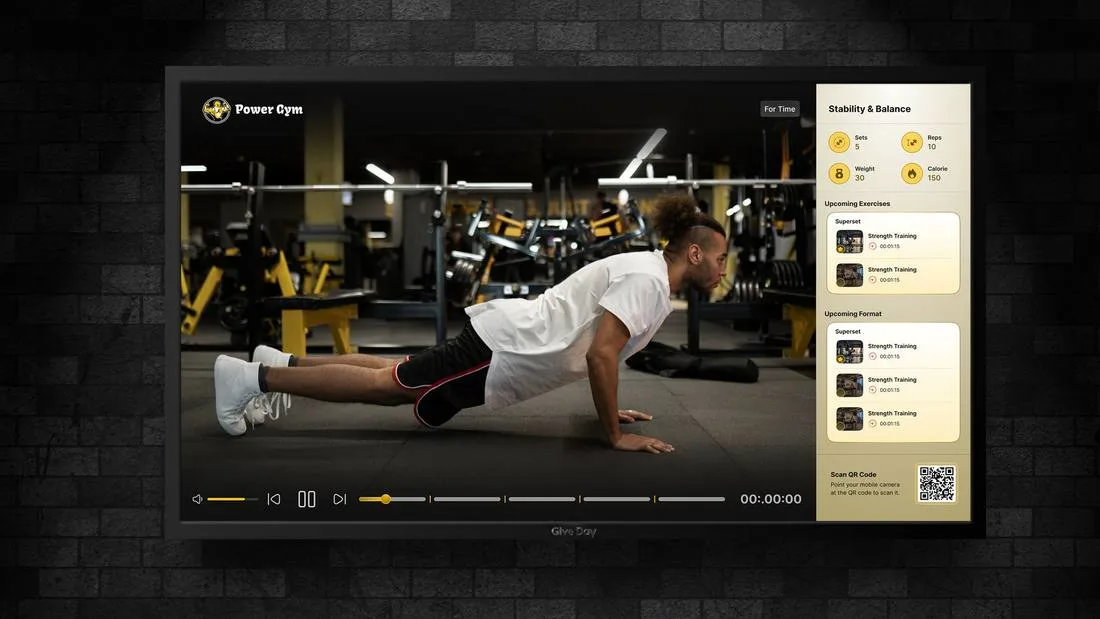
GymStream is a smart workout display and planning system. Trainers build the session once — GymStream plays it on your gym's TV with exercise demo videos, countdown timers, reps, sets and rest intervals. Members follow along together, in sync, every single day.
The trainer builds the workout in minutes — pick from 100+ pre-loaded exercise videos, set difficulty, schedule it daily, weekly or monthly.
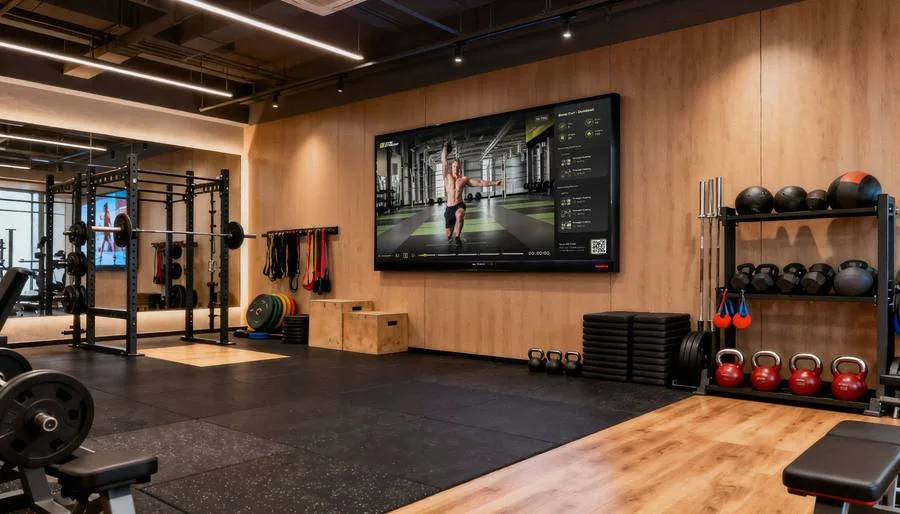
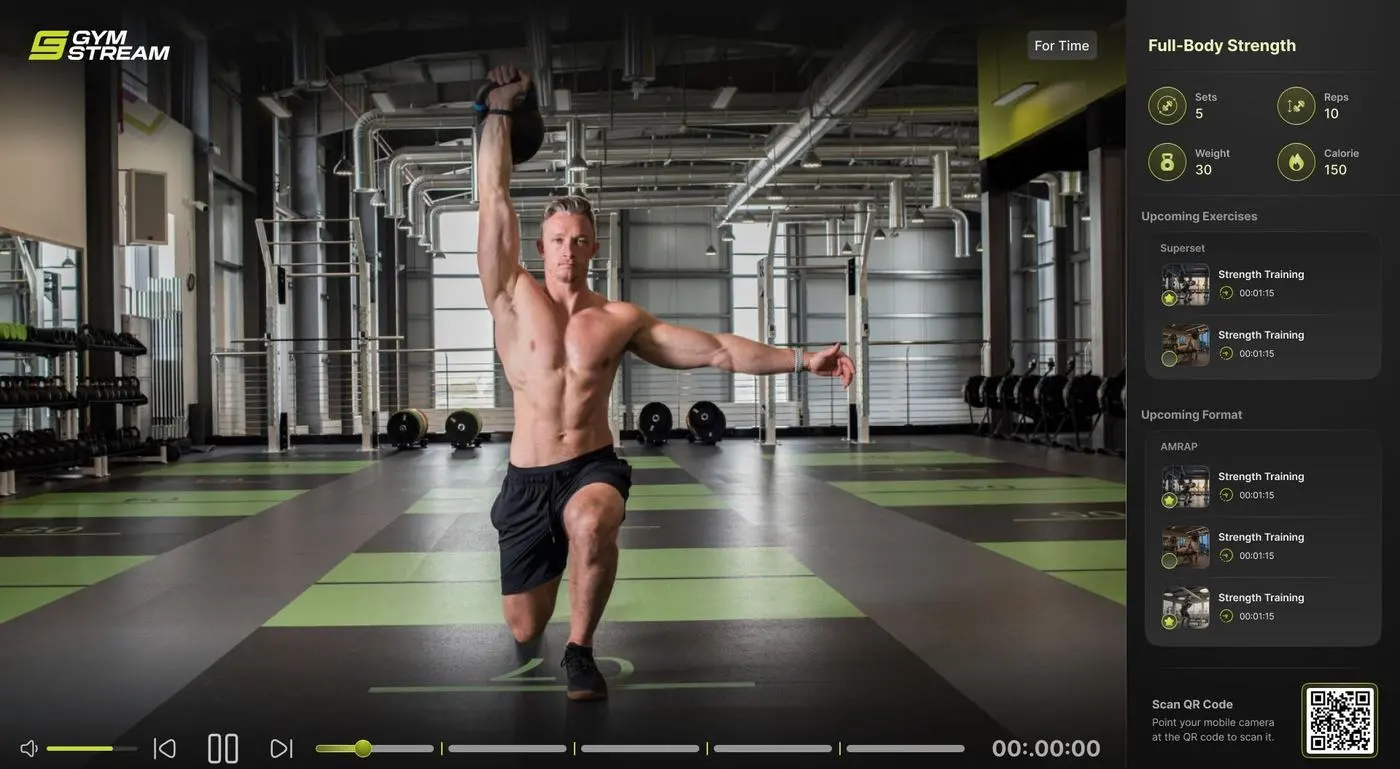
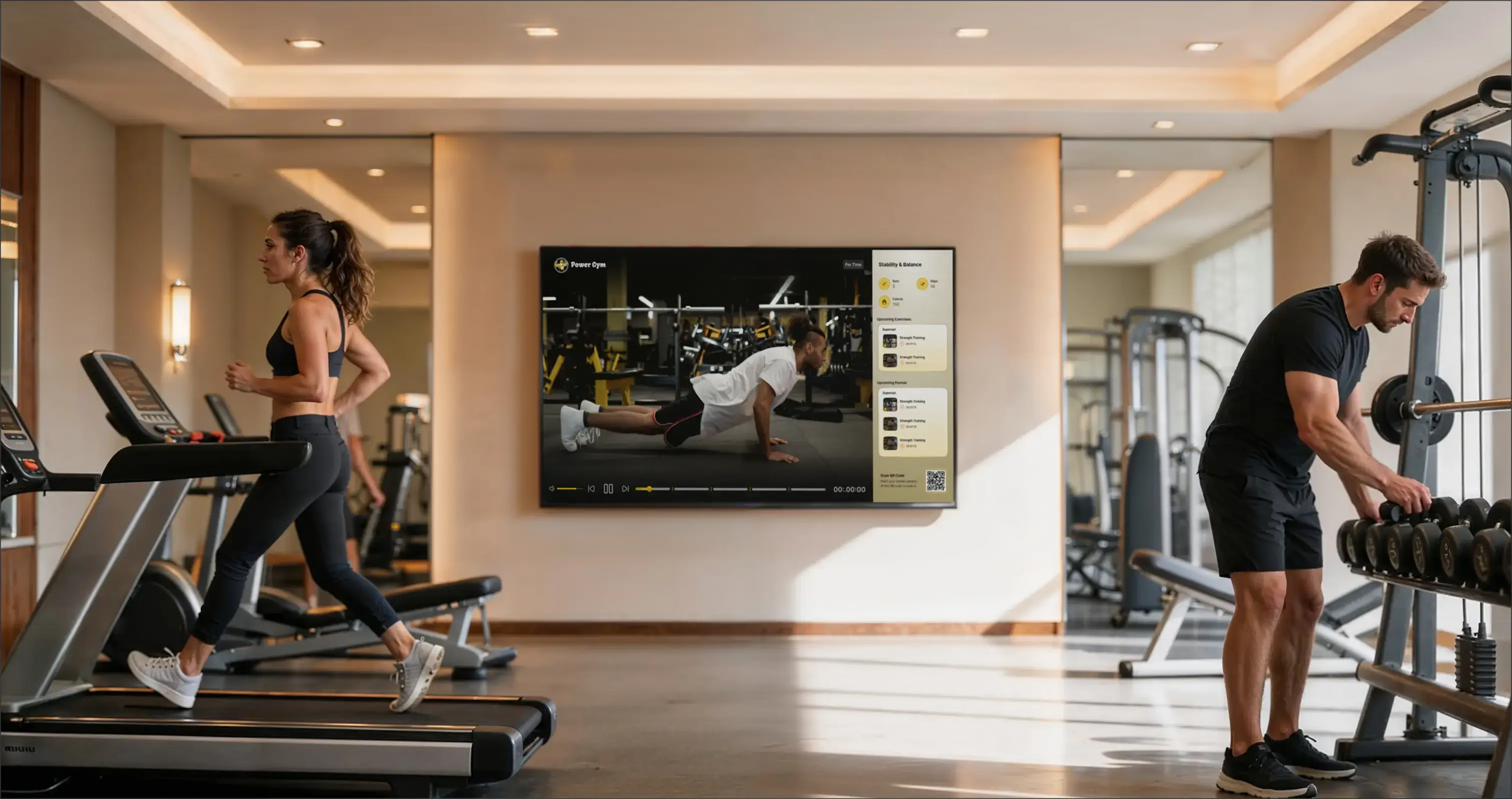
GymStream displays the session on your gym screen with videos, timing cues and what's coming next. Trainers control everything live from their phone.
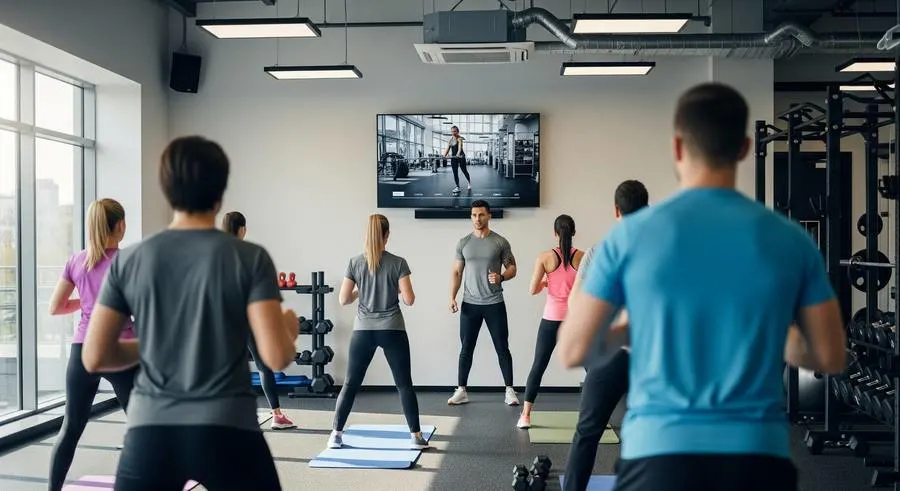
Members follow along together — motivated, in sync, and never guessing. They can scan the QR code to stream the workout to their own phone.
Film your own trainers, your own equipment, your own style — and upload directly to GymStream. Your members follow workouts demonstrated by the coaches they already know, on the floor they train on.
Professionally produced technique demos covering every major muscle group and format — ready to use from day one.
Daily, weekly and monthly programming. Consistent quality across every trainer, every shift, every branch.
Start, pause, skip or replay exercises in real time — all from a phone.
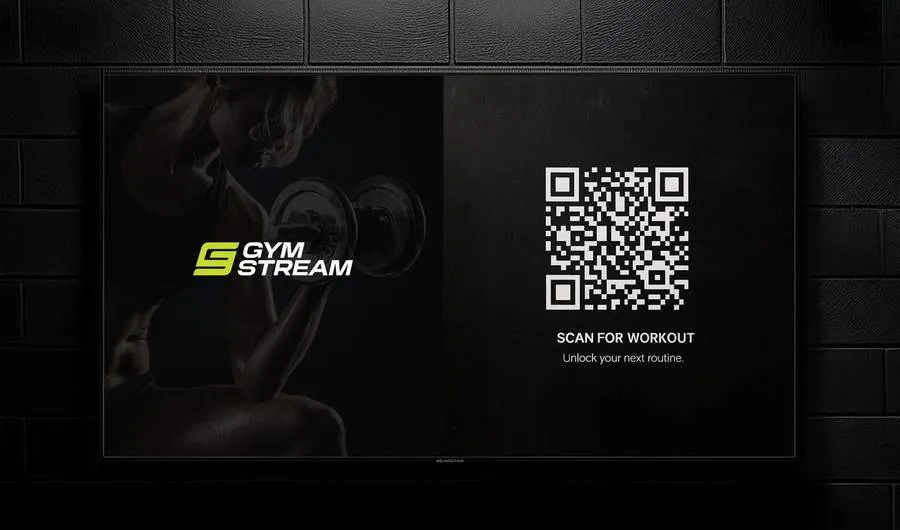
Members scan a QR code on screen and take the workout with them.
One dashboard for every zone and every location. Built for chains.
Full white-label: your logo, your colors, your trainers, your workout names on screen.
No proprietary hardware, no installation crews, no IT department. GymStream runs on the screens already hanging on your wall.

Run structured group classes, free your trainers to actually coach, and standardize programming across branches.
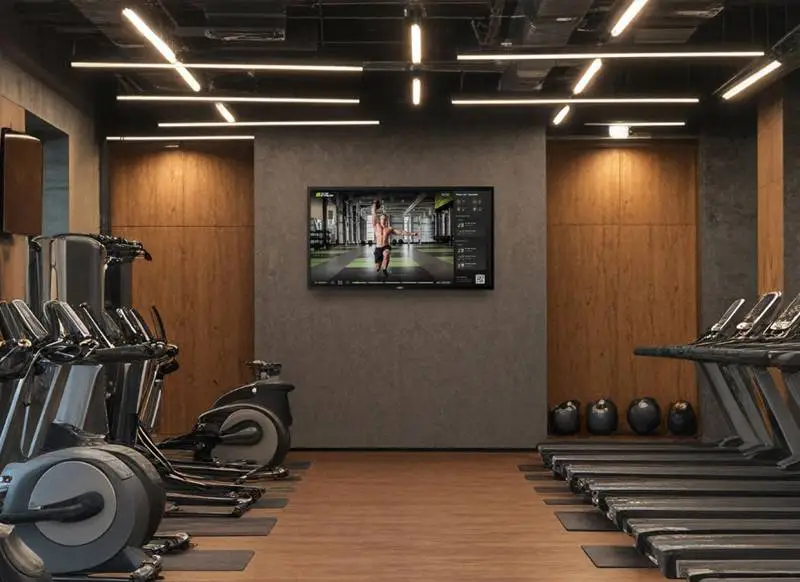
Give guests premium guided workouts with zero staff. A five-star amenity that runs itself.
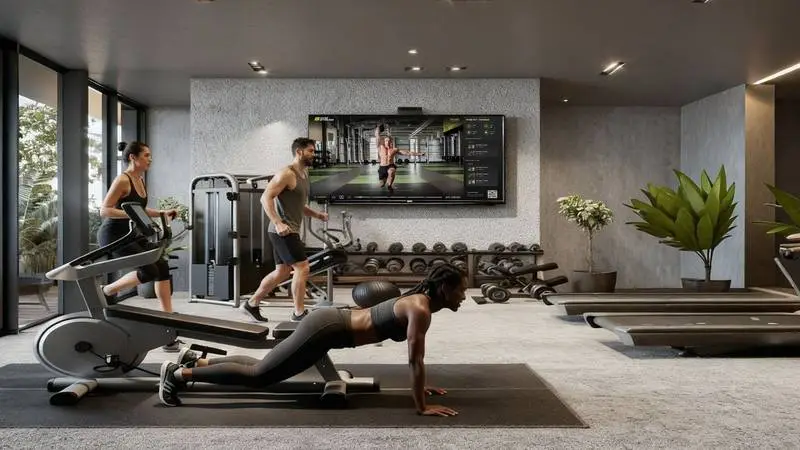
Turn an empty equipment room into a real amenity. Happier residents, higher property value.
Any smart TV with an internet connection. Setup takes under 30 minutes.
Yes. Shoot videos of your own trainers and equipment and upload them straight to GymStream — your content streams alongside the built-in library.
If they can use a phone, they can run GymStream. Sessions are controlled from a simple mobile panel.
Yes — your logo, colors and custom workout names are fully white-labeled on screen.
Yes. Hotel and apartment gyms run fully scheduled, self-playing guided sessions — no staff required.
Yes. One central dashboard controls every screen across all your locations.
GymStream runs on a simple monthly subscription per location. Book a free demo and we'll share pricing for your setup.
Book a free live demo — we'll show you GymStream running on your own screens.